
Need to recover your domain name and website in Ghana because your web designer has disappeared? Start with the records and access you still have. A calm, organised recovery can help you restore the website, protect business email and put the accounts back under your control.
This guide walks Ghanaian business owners through eight practical steps, from gathering evidence to transferring eligible domains to Aveshost. You will also learn what to do when the domain is registered under the designer’s details or the only website copy is on their hosting account.
Table of Contents
Your web designer disappeared: what should you do first?
When your web designer stops replying, your first priority is continuity. Keep the domain renewed, preserve the website and protect business email. Avoid deleting the old hosting account or replacing DNS records before you know what each service needs.
A missing designer does not automatically mean the website has been lost. The domain, hosting and WordPress administration may be held in separate accounts. You might already control one of them even if you cannot access the others.
| What you can access | Your next move |
|---|---|
| Domain account | Check expiry, save DNS records and prepare authorised hosting changes. |
| Hosting control panel | Create a full backup of the website, database and available email data. |
| WordPress administrator | Export content and arrange a complete backup where your access allows it. |
| Only invoices and project messages | Build an evidence file and request account recovery through the verified support channel. |
Do not publish passwords, transfer codes or identity documents on social media while asking for help. Open a private support ticket and follow the secure verification instructions provided for your case.
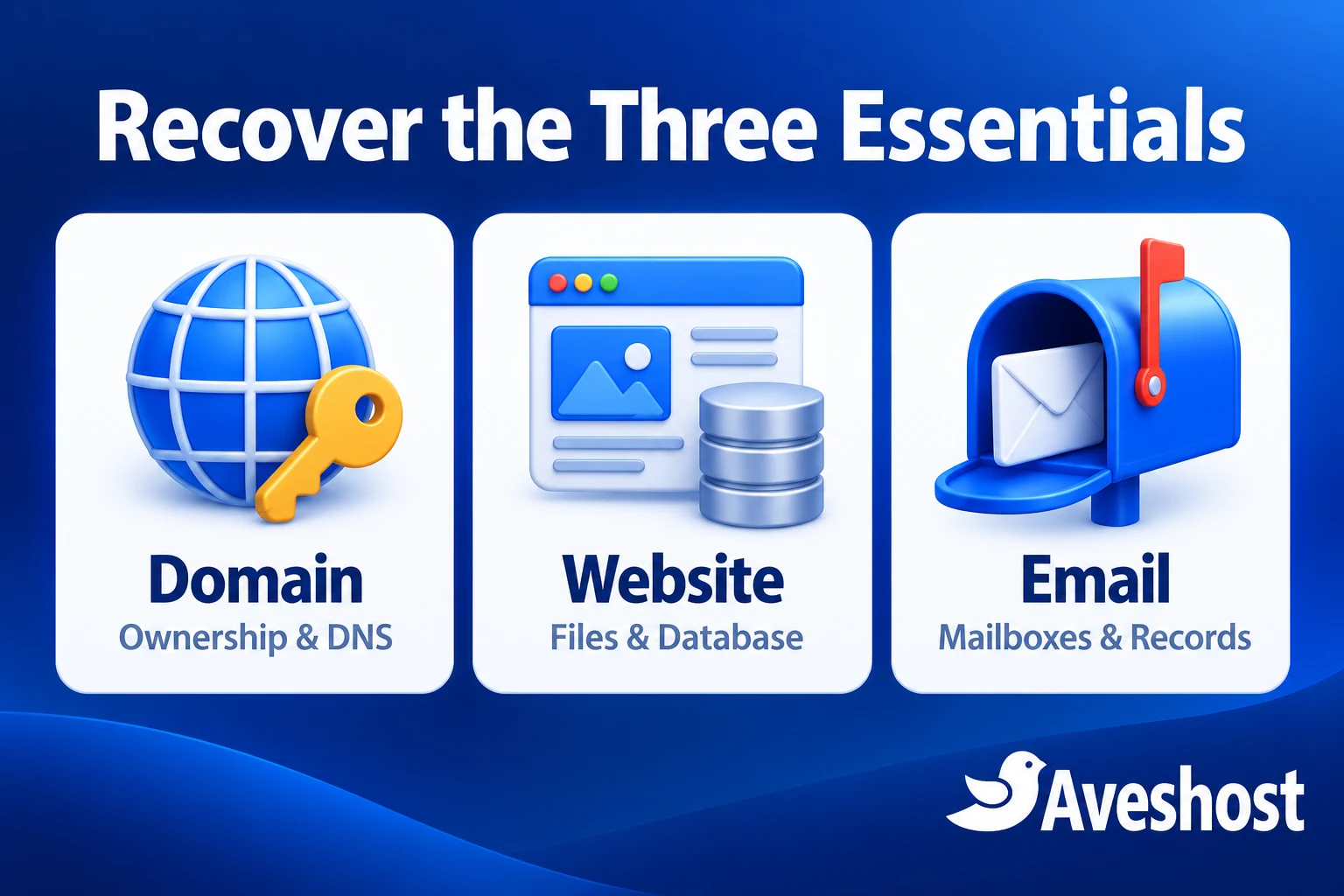
Understand the three things you need to recover
Your domain name is the address customers type. Your hosting stores the website files and database. Your email service stores messages and uses its own DNS records. Recovering one does not automatically recover the other two.
- Domain: registration control, expiry date, registered contact details and DNS access.
- Website: hosting access, application administrator access, files, database and backups.
- Email: mailbox access, stored messages and the records needed to receive and send mail.
An EPP or authorisation code is for an eligible domain transfer. It is not a WordPress password or a website backup. Similarly, a WordPress login lets you manage the site but does not prove that you control the domain registration.
If you are new to these distinctions, our guide to domain names in Ghana explains how the address fits into your business’s online presence.
Step 1: Gather your domain and website records
Create one folder containing the information you already have. Clear records help the support team connect your business to the account and understand what was agreed with the designer.
- The exact domain name and any previous account or order numbers.
- Project agreements, proposals and handover messages.
- Domain and hosting invoices, renewal notices and payment receipts, including relevant MoMo receipts.
- Messages showing whose name the domain should be registered under.
- Your business details and the authorised person handling the request.
- Any existing backups, control-panel emails and website administrator details.
Keep original messages and receipts. A payment for website development is useful context, but the registration record and agreement are also important. State the facts clearly: when the work was ordered, what you paid for, what access you received and when communication stopped.
Only submit identity or company documents when the support team requests them through a verified channel. Never include an account password in the first ticket.
Step 2: Find the domain’s status and the accounts behind it
For common generic extensions such as .com, use ICANN Lookup to review the registration information available for your domain. Note its registrar, status and dates. Some registrant information is private or redacted, so a public lookup may not show the owner’s name.
Nameservers can help identify where DNS is managed, but they are not proof of ownership and do not necessarily identify the website’s hosting location. Confirm the actual services through invoices, account emails and support records.
Check whether the domain is active, expired, locked or in a restoration stage. If expiry is close, tell the support team immediately. Use a verified account or support channel to arrange renewal rather than paying an unfamiliar “urgent renewal” email.
For .gh and .com.gh names, follow the applicable Ghana registry requirements. The same transfer rules do not apply to every extension. Our .gh domain team can guide you on the documents and process for your name.
Step 3: Recover authorised access to the domain account
Start with the account recovery process for the service holding the domain. Use an email address you control and explain that the person who managed the account is no longer available. Provide the domain, records and business authorisation requested for verification.
If the domain is already in your business’s name, focus on recovering the account and updating its authorised access. If it is registered under the designer’s own details, request a documented handover or change of registrant. Paying for the project does not make an ownership change automatic.
When the designer can still be reached, ask for a specific handover: the domain account or authorised ownership change, DNS records, hosting access, a full website backup and the email setup. Request a deadline in writing and keep the correspondence.
For services already held with us, contact Aveshost support from a working email address. We will review the account and guide the authorised recovery process. If the domain is elsewhere, contact the service shown in its registration records through its official support channel.
If there is a genuine ownership disagreement, preserve the evidence and use the appropriate dispute or legal advice route in Ghana. Account recovery and an ownership dispute are different processes. A new hosting account cannot bypass an ownership decision.
Step 4: Recover the website files, database and email
Once you have authorised hosting access, create a complete backup before making changes. For a WordPress website, include the database, uploaded media, themes, plugins and configuration files. Confirm that the backup belongs to the right domain and includes recent work.
A WordPress content export is useful, but it is not a full copy of the installation. It may help restore posts and pages while leaving design settings, plugin data or uploaded files to be recovered separately. Save both a full backup and a content export when you can.
- Download the backup to a location controlled by the business.
- Ask for available server backups if you cannot create one yourself.
- Record the PHP version, scheduled tasks and application settings needed by the site.
- List mailboxes, aliases and forwarding rules; export email where the service allows it.
- Document forms, payment integrations and licences that need a new authorised administrator.
If the old hosting has already been deleted, ask whether a retained backup is available before deciding to rebuild. Publicly visible pages and copies of text or images can help reconstruct a site, but they do not recover its private database, customer records or email.
Our team can review the backup and help plan the move to our managed WordPress hosting. The available data determines what can be restored.
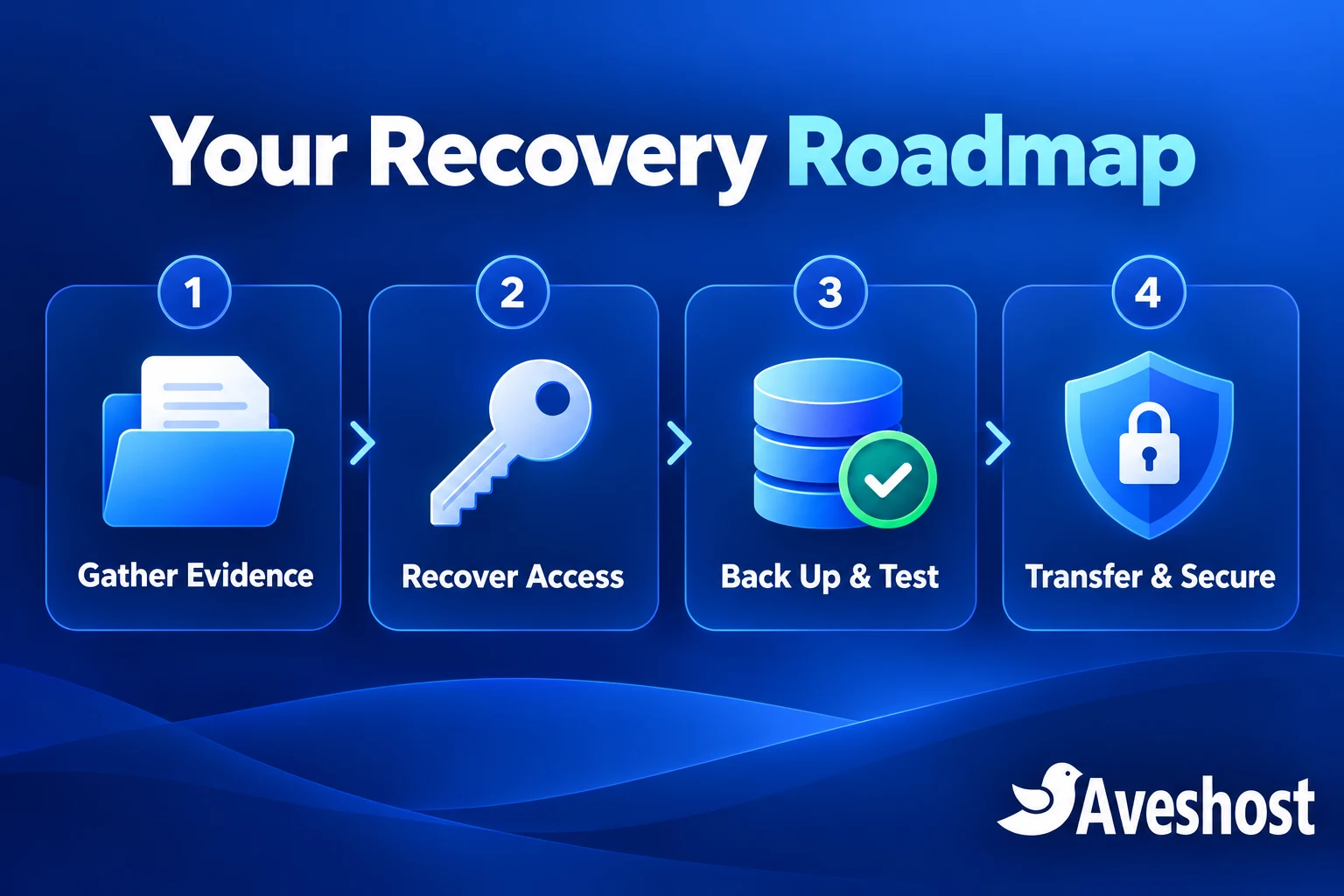
Step 5: Restore and test before changing DNS
Prepare the recovered website on the new hosting first. Test it using the preview method provided for the account, and keep the old site available while the new copy is checked.
- Open the home page, key pages and uploaded images.
- Check HTTPS, the WordPress administrator and mobile navigation.
- Submit a test enquiry and confirm it arrives in the correct inbox.
- For an online store, check products, orders and authorised payment testing.
- Check redirects, scheduled tasks and integrations.
- Prepare the email service and verify the required DNS records.
Save the existing DNS zone before the switch. Changing nameservers can affect email as well as the website. Preserve the correct MX, SPF, DKIM and DMARC records alongside the website records, and handle DNSSEC changes as part of the planned move where it is enabled.
Arrange a suitable change window and watch the old and new services during the transition. DNS caches update at different times. For a site receiving orders or submissions, plan how to capture any data arriving on the old copy after the initial backup.
Keep the previous service until the website, incoming mail and outgoing mail have been checked after the change.
Step 6: Transfer your domain name to Aveshost
After access and ownership are in order, bring eligible domain management into your Aveshost account. A domain transfer changes registration management; it does not copy website files or mailboxes. Complete the hosting and email migration as separate tasks.
- Check the domain’s transfer eligibility and current expiry status.
- Remove the ordinary transfer lock when the authorised account allows it.
- Obtain the EPP or authorisation code for extensions that require one.
- Start the request through our domain transfer page and review the displayed fee and term.
- Complete the required authorisations using the verified account contacts.
- Confirm the finished transfer, contact details, renewal arrangements and DNS settings.
Use our domain transfer page to begin. Share a transfer code only through the secure transfer process or the verified support route we provide.
For ICANN-governed generic domains, recent registration, a previous transfer or certain registrant changes can trigger a 60-day restriction. Plan the order of ownership changes and transfer with support. A transfer restriction may still allow authorised DNS changes to restore hosting.
An expired domain can sometimes transfer, while a domain in redemption generally needs restoration first. Check the status before choosing the next action. ICANN’s domain transfer FAQs explain these restrictions; country-code extensions follow their applicable rules.
Review current charges in Ghana cedis through our domain pricing table and checkout. Budget separately for transfer or renewal, any restoration fee and the hosting package you select.
Step 7: Put the business in control of every account
Finish the recovery by placing the services under accounts the business can maintain. Use accurate registration contacts and a recovery email that works independently of the domain you are protecting.
- Set new, unique passwords after you regain authorised access.
- Enable two-factor authentication where available and store recovery codes securely.
- Remove old users and unnecessary access; give future developers only the permissions they need.
- Rotate exposed application, payment and email credentials with the relevant service.
- Set renewal reminders and keep the payment method and contact details current.
- Maintain backups outside the website account and test restoration.
Check the recovered site for unfamiliar administrator accounts, plugins, redirects or scheduled tasks before resuming normal operation. If access was misused, changing one password is only part of the cleanup.
The business should receive renewal notices directly. A developer can manage the technical work while you retain domain ownership, account recovery and billing control.
Step 8: Require a clear handover for future projects
Make ownership and access part of the project agreement from the beginning. Register the domain in the business’s account, keep hosting billing accessible and agree who manages renewals, backups and software licences.
A useful handover includes the domain and hosting account details, administrator access, DNS records, a full backup, licence information and a list of integrations. Record how access will be removed when the engagement ends.
For a Ghanaian business, keep your project invoices and MoMo receipts alongside those records. Choose two authorised people who know how to reach support, so one person’s absence does not leave the business without a recovery route.
If you need help recovering access, reviewing a backup or moving your website, discuss the recovery with our team. Send the domain name, the access you still have and the issue you need resolved. We can help you organise the next step and plan the services needed to bring the website back under your control.
Frequently asked questions
Can I recover my domain if my web designer disappeared?
Start by establishing the registration details and recovering authorised account access. Gather invoices, agreements and payment records, then follow the verified support process. The available records and domain status determine the recovery route.
Does paying for the website mean the domain is in my name?
Check the actual registration and project agreement. Website development, domain registration and hosting are separate items, and a payment receipt does not automatically change the registered domain holder.
Can Aveshost help me recover my domain name?
Yes. Contact our support team with the domain name and the access you still have. We can review services held with us and guide you on the recovery and transfer steps that require your authorisation.
Can I transfer a domain without an EPP code?
For extensions that require an EPP or authorisation code, obtain it through the authorised domain account or its verified support process. Other extensions may use a different transfer procedure.
Will transferring my domain recover the website too?
No. A domain transfer changes registration management. Website files, the database and email data must be recovered or migrated separately.
What if the domain has expired?
Check its status promptly. Renewal, restoration or transfer options depend on the stage and extension. A domain in redemption generally needs restoration before a transfer can proceed.
Can I recover the website with only a WordPress login?
You may be able to export content or create a backup within your permissions. A complete recovery normally needs the files and database, so arrange hosting access or a full backup as well.
What if the designer registered the domain under their own details?
Request a documented ownership handover and preserve the agreement and payment evidence. If ownership is disputed, use the appropriate resolution process; opening new hosting does not settle ownership.
Will changing nameservers affect business email?
It can. Save the DNS zone and prepare the correct website and email records before the change. Test incoming and outgoing mail after the switch.
How do I prevent this happening again?
Keep the domain and billing in a business-controlled account, use secure recovery access, receive renewal notices directly and require a complete handover from every developer.