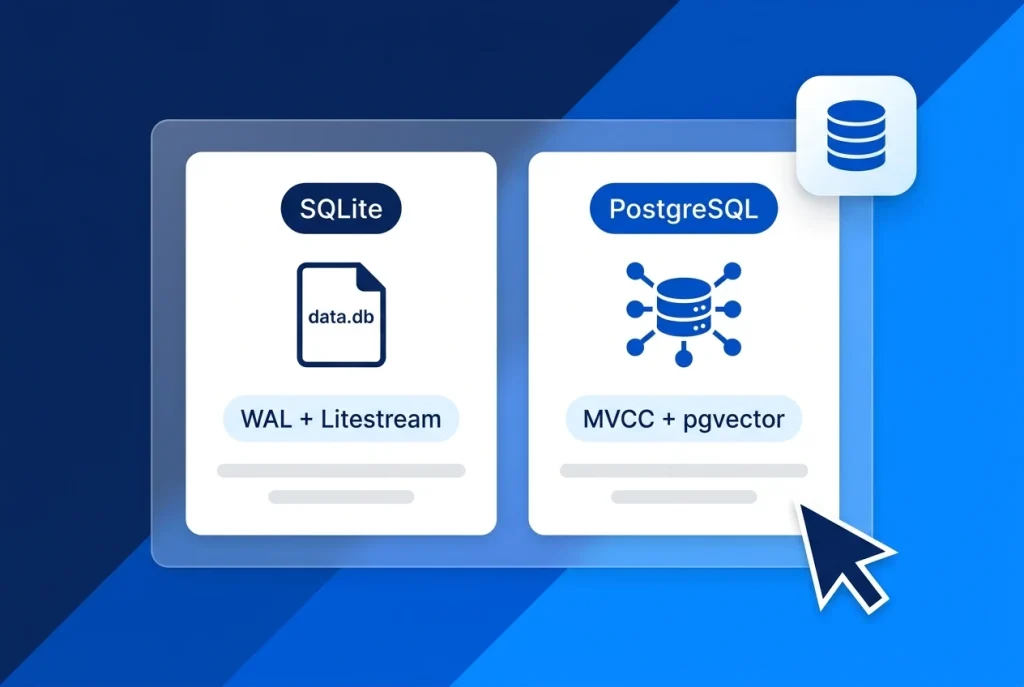
Choosing between SQLite vs PostgreSQL on a Linux VPS comes down to a fundamental architectural trade-off: an embedded in-process database file versus a dedicated client-server daemon. With modern Write-Ahead Logging (WAL) and continuous S3 replication tools like Litestream, SQLite now powers serious single-server web applications—yet PostgreSQL remains the default for concurrent multi-user workloads.
Whether you are launching a solo SaaS on self-managed VPS hosting or scaling a multi-tenant AI backend on fully managed VPS hosting with Aveshost, picking the right database prevents database is locked errors and avoids wasting precious server RAM.
In this guide, we compare SQLite vs PostgreSQL across write concurrency, mandatory production pragmas, Litestream vs pg_dump backups, JSONB and pgvector support, connection pooling, and VPS memory sizing.
Table of Contents
SQLite vs PostgreSQL at a Glance: Core Differences on a VPS
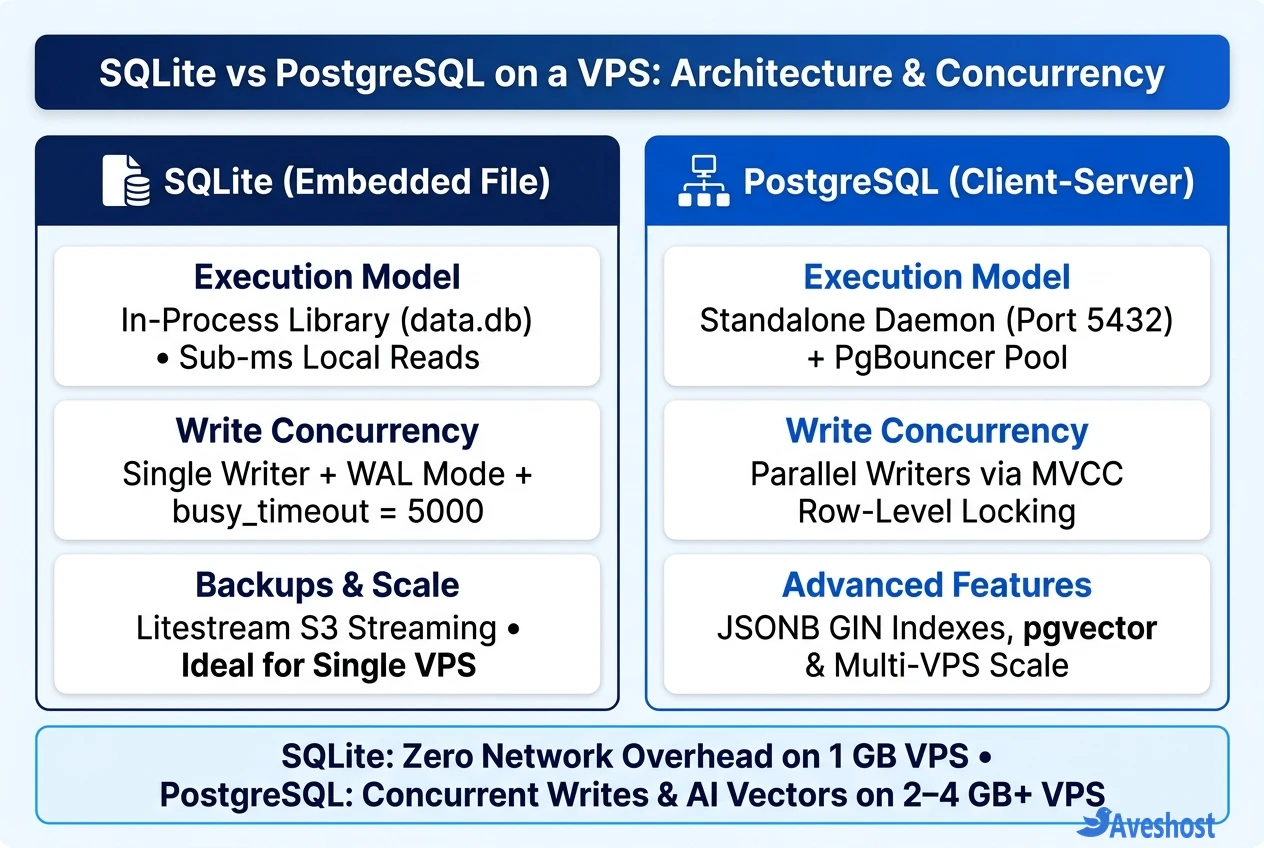
When evaluating SQLite vs PostgreSQL, notice that they solve data persistence in completely opposite ways. SQLite runs inside your application’s memory space and reads directly from a local file (data.db), whereas PostgreSQL runs as a separate background service listening on port 5432.
Here is how both databases compare across concurrency, memory footprint, extensions, and scaling:
| Feature / Criterion | SQLite (WAL + Litestream) | PostgreSQL (Client-Server) |
|---|---|---|
| Architecture | In-process embedded library (single file on disk) | Standalone server daemon over TCP or Unix socket |
| Read Latency | Sub-millisecond (zero network or IPC hop) | 1 ms to 5 ms (TCP / socket roundtrip) |
| Write Concurrency | Single active writer at a time (queued via busy_timeout) | Parallel multi-writer transactions via MVCC row locking |
| Minimum VPS RAM | < 512 MB (shares application memory space) | 1 GB min (2–4 GB+ RAM recommended for production) |
| Connection Pooling | Unnecessary (direct local file access) | Recommended at scale (PgBouncer / built-in pool) |
| JSON & Vector Search | JSON1 functions (limited binary indexing) | Binary JSONB with GIN indexes + native pgvector |
| Horizontal Multi-VPS Scale | Single-server only (unless using distributed forks) | Native primary/replica scaling & separate DB VPS |
| Backup Strategy | Litestream WAL streaming to S3 / R2 or .backup API | pg_dump, pgBackRest, or continuous WAL archiving |
When SQLite Wins on a VPS (and the 3 Pragmas You Must Set)
For read-heavy websites, developer tools, content platforms, and single-binary backends like PocketBase, SQLite delivers unbeatable simplicity. With zero TCP socket overhead and no separate database container competing for memory, a 1 GB RAM VPS can comfortably serve tens of thousands of daily visitors.
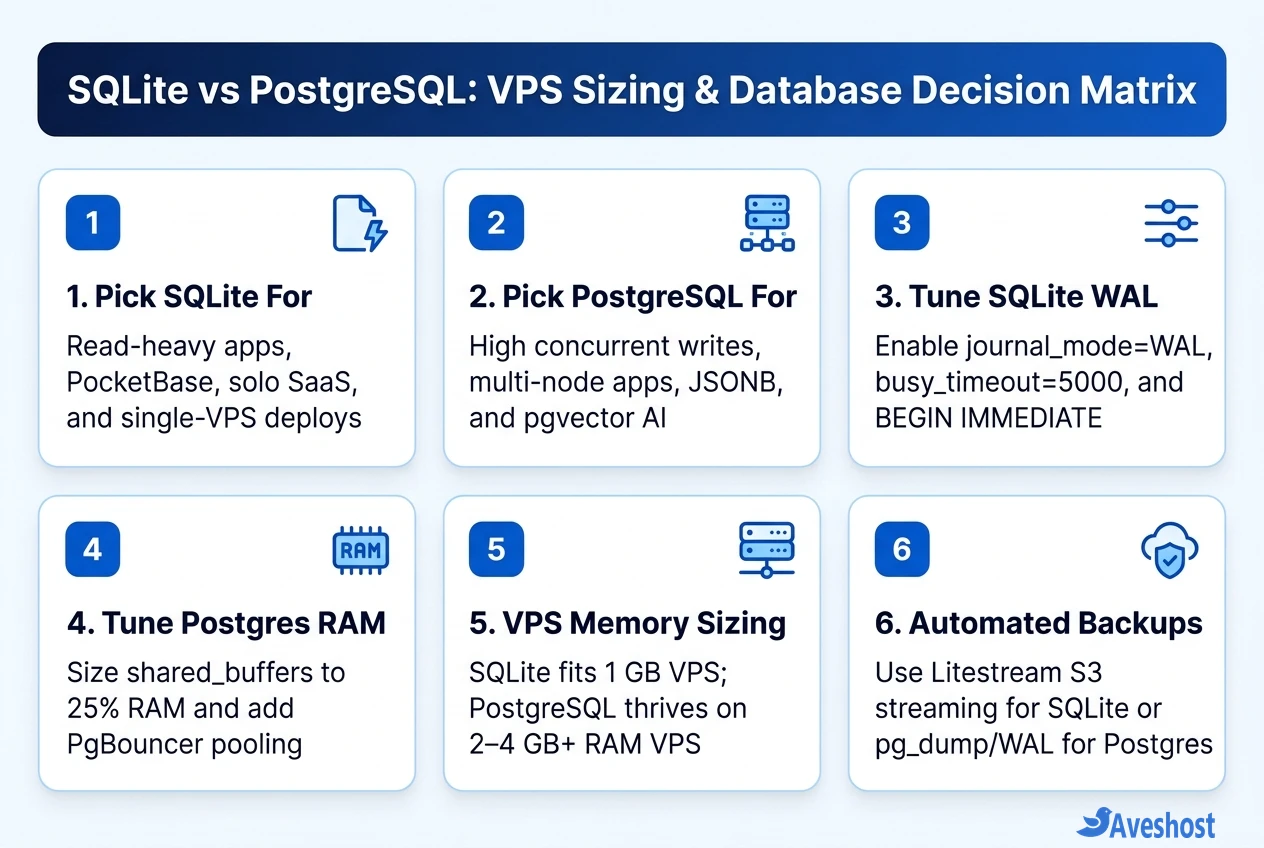
However, running SQLite with its out-of-the-box defaults on a live web server causes immediate SQLITE_BUSY: database is locked errors under concurrent traffic. According to the official SQLite WAL documentation, you must apply three production pragmas on every connection:
• 1. Enable Write-Ahead Logging (PRAGMA journal_mode = WAL;): Default rollback mode forces readers to block writers and writers to block readers. WAL mode lets unlimited readers query a consistent snapshot simultaneously while a write occurs.
• 2. Set a 5-Second Busy Timeout (PRAGMA busy_timeout = 5000;): By default, SQLite fails instantaneously (0 ms) if two requests try to write at the exact same millisecond. Setting a 5,000 ms timeout makes the second writer wait a fraction of a millisecond for the first write to finish instead of throwing an error.
• 3. Use PRAGMA synchronous = NORMAL; and BEGIN IMMEDIATE;: Combining NORMAL sync in WAL mode with explicit BEGIN IMMEDIATE write transactions prevents read-to-write lock upgrade deadlocks.
-- Recommended SQLite production connection pragmas
PRAGMA journal_mode = WAL;
PRAGMA busy_timeout = 5000;
PRAGMA synchronous = NORMAL;
PRAGMA cache_size = -20000; -- 20 MB page cache in RAM
PRAGMA foreign_keys = ON;
When PostgreSQL Wins: MVCC, pgvector, JSONB, and Multi-VPS Scale
As soon as your application handles high-frequency concurrent writes—such as multi-tenant SaaS dashboards, real-time collaborative editors, job queues, or ecommerce checkouts—PostgreSQL is the clear winner in the SQLite vs PostgreSQL debate.
• True Parallel Writes with MVCC: PostgreSQL uses Multi-Version Concurrency Control (MVCC) and row-level locking so hundreds of users can insert and update different rows simultaneously without blocking each other.
• Native pgvector & Indexed JSONB: If you are building AI Retrieval-Augmented Generation (RAG) apps or self-hosting platforms like Dify or n8n, PostgreSQL gives you binary JSONB columns with fast GIN indexes plus the pgvector extension for cosine similarity search inside SQL.
• Multi-Server Horizontal Scaling: Because PostgreSQL speaks over a network socket, you can run your web frontend on two separate application servers (using Dokploy or Coolify) while pointing both to a dedicated database VPS with PgBouncer connection pooling.
VPS RAM Sizing and Automated S3 Backups Compared
Memory planning and disaster recovery look very different between SQLite vs PostgreSQL:
• VPS RAM Sizing: SQLite runs happily on a 1 GB RAM VPS because it shares your app’s process memory. PostgreSQL spawns a separate OS process per connection (consuming 2 MB to 10 MB each) and relies on shared_buffers (typically tuned to 25% of total VPS RAM). Budget at least a 2 GB to 4 GB RAM VPS for PostgreSQL in production.
• SQLite Backups via Litestream: Never back up a live SQLite database with plain cp or rsync, which can capture a mismatched data.db and -wal file. Instead, run Litestream as a lightweight sidecar daemon to stream WAL changes continuously to S3, Cloudflare R2, or Backblaze B2.
• PostgreSQL Backups: Schedule compressed pg_dump snapshots to S3-compatible storage (or enable WAL archiving with pgBackRest for point-in-time recovery, just as covered in our PostgreSQL backup and restore guide).
Frequently asked questions
Can SQLite handle production traffic on a VPS?
Yes. When configured with PRAGMA journal_mode = WAL and PRAGMA busy_timeout = 5000, SQLite supports thousands of concurrent reads per second with sub-millisecond latency on a single NVMe VPS. It works well for read-heavy web apps, blogs, PocketBase backends, and moderate write workloads.
When should I migrate from SQLite to PostgreSQL?
Migrate to PostgreSQL when your application needs high-frequency concurrent writes from many users at once, when you want to scale horizontally across multiple application VPS nodes connecting to one shared database, or when you need advanced features like pgvector AI embeddings and GIN-indexed JSONB.
How much RAM does PostgreSQL need on a Linux VPS?
While a tuned PostgreSQL instance can run on a 1 GB RAM VPS for light testing, 2 GB to 4 GB RAM is recommended for production workloads. Set shared_buffers to roughly 25% of system RAM and use PgBouncer if your app opens dozens of concurrent connections.
How do I safely back up SQLite on a VPS without corrupting data?
Do not copy raw SQLite files with cp or rsync while your app is writing, as WAL changes may still sit in the -wal file. Use Litestream to stream SQLite WAL segments continuously to S3-compatible object storage, or use SQLite’s online .backup command.
Why do I keep getting ‘database is locked’ errors with SQLite?
SQLite defaults to rollback journal mode and a 0 ms busy timeout, meaning any overlapping write fails immediately. Enabling PRAGMA journal_mode = WAL, setting PRAGMA busy_timeout = 5000, and starting write transactions with BEGIN IMMEDIATE eliminates almost all lock errors under normal traffic.