To recover abandoned WooCommerce carts in Ghana, send a cart restoration link when a shopper leaves before placing an order. If the shopper already submitted an order and still needs to pay, send the payment link for that order after checking its payment status.
This distinction matters when a customer is waiting for a Mobile Money prompt or when your gateway has confirmed a payment that WooCommerce has yet to record. A reminder should help the shopper pick up where they left off. Start with two separate workflows, test both, and send only when the checkout or order still qualifies.
Table of Contents
1. Decide whether to restore a cart or collect payment
Open WooCommerce → Orders and check whether the shopper submitted an order. A cart tracking extension can know about an inactive cart before a submitted order exists. Block checkout can also create a temporary Draft order while a shopper is still entering details. Keep those drafts out of the workflow for submitted unpaid orders. See the WooCommerce order status guide.
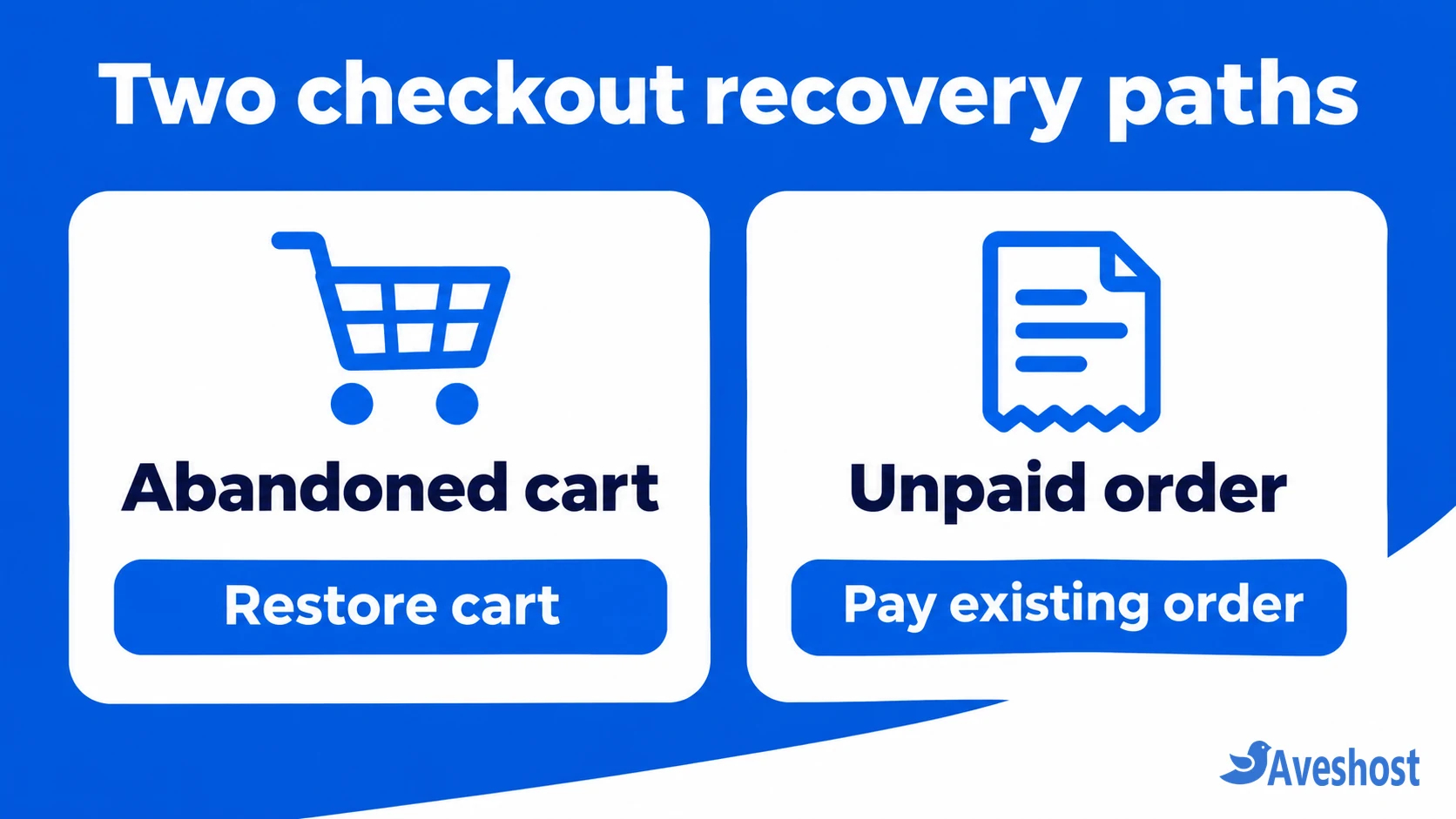
Use a cart restoration link to bring back the saved items. Use an order payment link to keep the order number and amount associated with an existing purchase. If you run both flows, exclude carts that already turned into orders from the cart workflow so the same checkout does not generate two competing messages.
| Checkout state | What to send |
|---|---|
| Inactive cart with eligible contact details | One cart restoration link |
| Submitted order, payment verified outstanding | Payment link for that order |
| Gateway payment still in progress or unclear | Pause and investigate before sending |
| Order paid, cancelled, or refunded | Suppress the payment reminder |
2. Set up the abandoned cart email
A cart recovery extension must track the shopper’s cart, associate it with a usable email address and supply a restoration link. For example, with AutomateWoo installed, open AutomateWoo → Settings → Carts, enable cart tracking and set the inactivity timeout. If a separate unpaid-order workflow is in place, leave the option to include failed, cancelled and pending orders as abandoned carts disabled. See the AutomateWoo cart tracking guide.
In the workflow editor, choose Cart Abandoned, select delayed timing and add an email action. Use the recipient variable for the shopper and insert the supported cart URL variable. AutomateWoo documents cart.link for this purpose. A plain link to your cart page may open an empty cart in a fresh browser. See the variable guide.
Guest recovery depends on the extension capturing an eligible address through the checkout or another disclosed signup method. A visitor who leaves without providing an address may be unreachable by email. Test guest and account checkouts separately. Keep promotional cart recovery in your marketing permission and unsubscribe workflow, and set a retention period for abandoned cart data.
3. Send a payment reminder for an existing order
For a manual reminder, open the order under WooCommerce → Orders, review the total, details and payment status, then choose Order actions → Send order details to customer on the edit screen. The WooCommerce order email contains the payment link when the order is payable. You can also find the Customer payment page link on the order. Registered shoppers may need to sign in, and guests may be asked to verify the billing email. See WooCommerce’s order payment instructions.
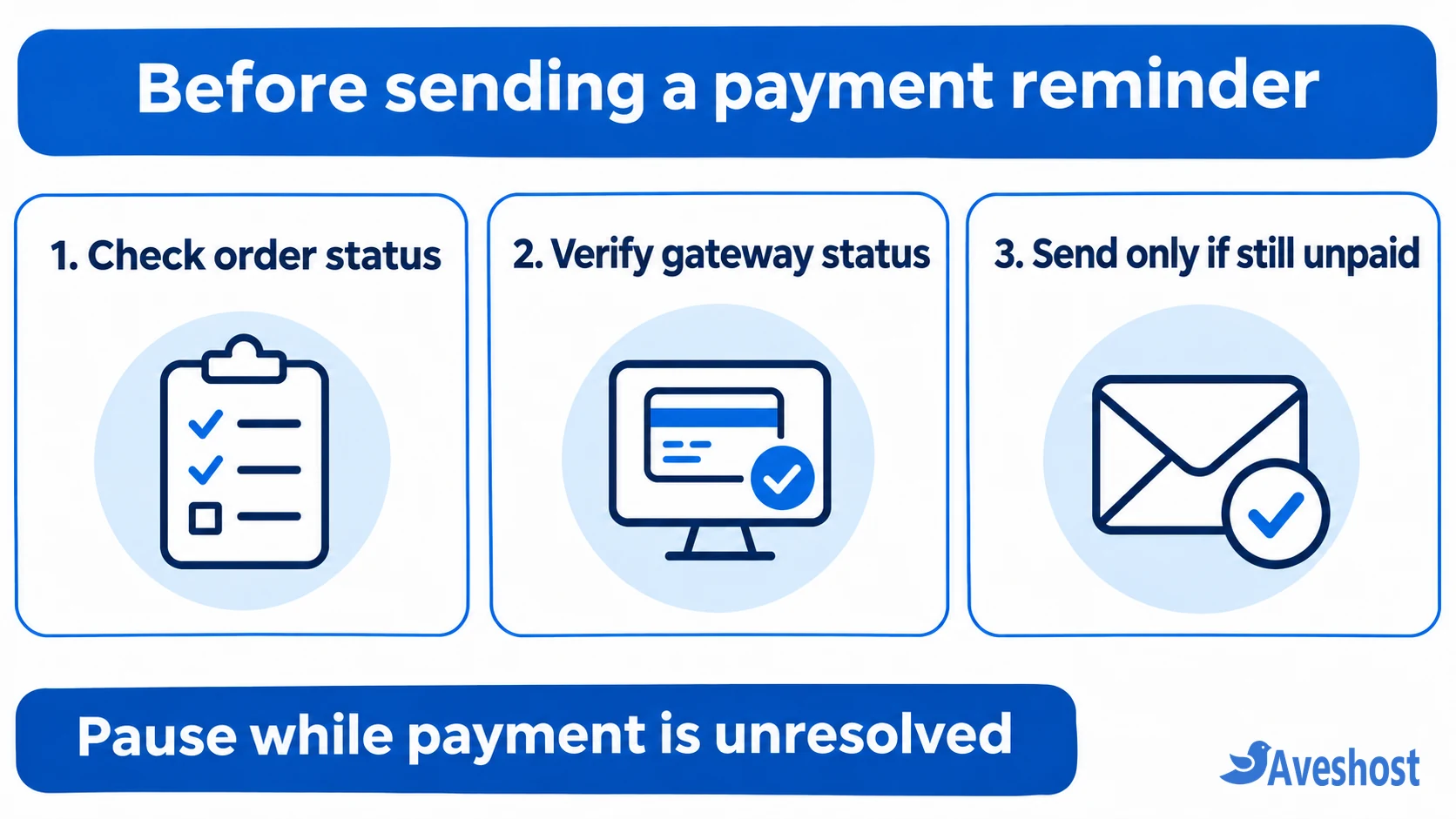
To automate, use a tool with an Order Pending Payment trigger, a delay and an order-specific email or invoice action. AutomateWoo documents that trigger. Check the order’s current state again when the email is due, and send only if it is still payable and your gateway check clears it. Use a per-order limit so a status change or retry does not restart the sequence. See the AutomateWoo trigger reference.
If your automation cannot verify gateway state, keep payment reminders manual for that gateway until you can reconcile payments reliably. Review Failed orders individually or build a separate retry path for confirmed failures. Keep On hold orders out of the generic reminder queue, since that status can cover payment arrangements that are awaiting confirmation.
4. Verify Mobile Money before asking for another payment
MoMo availability depends on the gateway, merchant setup and payment page. For example, Paystack supports Mobile Money in Ghana. Confirm the channel is active in your merchant account and test it on both normal checkout and the WooCommerce order payment page. The options shown at those steps can depend on your integration. See Paystack’s payment channel documentation.
When a customer says their wallet was debited or WooCommerce still shows an unpaid order, match the transaction reference to the order in your gateway dashboard. Check the outcome, amount and currency. For example, a confirmed GH₵180 payment should match the GH₵180 order and its associated reference. If the gateway confirms payment, suppress the reminder and investigate why the order failed to update.
Keep reminders paused while a payment is ongoing or pending. Check whether the gateway’s confirmation events are reaching the WooCommerce integration. Paystack distinguishes pending, ongoing, failed and successful transactions in its verification guide. If a payment is confirmed unsuccessful and the order is still payable, the shopper can use the official order payment link. Keep MoMo PINs and one-time codes out of all email and support replies.
5. Write short emails and start with a modest schedule
For a cart, try the subject Return to your cart. A short body can read: “Hi [first name], you left a few items in your cart at [store name]. Use the button below to review your items and delivery options.” Button: Return to cart.
For an unpaid order, try Complete payment for order #[order number]. Example: “Your order #[order number] is awaiting payment. Review the order and complete payment using the button below. If your wallet was already debited, contact us with your order number so we can check the transaction.” Button: Pay for your order. Keep this message limited to the order and payment details.
An example starting schedule is one cart email around an hour after the cart is classified as abandoned, with one follow-up the next day if the shopper remains eligible. For orders, set the delay around your gateway’s confirmation window and the store’s cancellation policy. Stop pending messages once an order is paid or cancelled. Keep product offers in the marketing flow and respect opt-ins and unsubscribes. See AutomateWoo’s email preference settings.
6. Test delivery, payment and suppression rules
On staging with a controlled inbox and your gateway’s supported test setup, restore a guest cart from the email in a fresh browser. Check product variations, stock, delivery options and totals in cedis. Open an unpaid-order link from a phone and verify the guest email or account login step. Check that the link opens the store or the expected gateway.
Test a successful payment before the delay ends, an unresolved MoMo attempt and a cancelled order. None should receive a request to pay. Test a confirmed unpaid order and make sure it receives the intended email only once. Check whether the extension’s queue and logs show the expected result.
If the workflow does not run, inspect its queue and WooCommerce → Status → Scheduled Actions where applicable. If it runs but the email does not arrive, follow our WooCommerce email troubleshooting guide and WordPress SMTP setup guide to check the delivery path.
7. Track recovered paid orders separately
Track eligible carts contacted, restoration clicks and recovered paid orders for the cart flow. For payment reminders, track eligible orders contacted and how many later reach a confirmed paid state. Count each order once. Different tools may record a cart as recovered when the shopper places an order, so verify payment before including it in recovered revenue.
For example, if 8 of 100 eligible carts contacted lead to a paid order within your reporting window, that is an observed 8% recovery rate for that group. Some shoppers would have returned without an email. Use an unsent comparison group where feasible if you want to estimate the extra sales attributable to the reminder. Also watch unsubscribes, complaints and duplicate payment enquiries.
Frequently asked questions
Can WooCommerce recover abandoned carts without an extension?
WooCommerce can email payment details for an existing payable order. Recovering an inactive cart by email requires cart tracking, a usable address and a restoration link, which a recovery extension can provide.
Can I send a reminder to a guest shopper?
Yes, if your recovery tool captured a valid address and the shopper meets your email eligibility rules. A guest using an existing order’s payment link may need to verify the order’s billing email.
Should I send another payment link if a MoMo wallet was debited?
Pause the reminder and check the gateway reference against the order. Resume only after you confirm the attempt did not succeed and the order still needs payment.
Do I need a discount to recover abandoned carts?
Start with a useful link and clear delivery and checkout information. If you test an offer, define its eligibility and measure paid orders and margin before making it a regular part of the sequence.
Why does a recovery link open an empty cart?
Check whether the email used the extension’s restoration link, whether the stored cart expired, and whether the products are still available. Test from a fresh browser so an existing logged-in session cannot hide the problem.