
An online pharmacy website in Ghana should make it easier for people to identify a licensed pharmacy, find accurate OTC medicine information and contact the right professional. It also needs a clear boundary between public product information and confidential patient records.
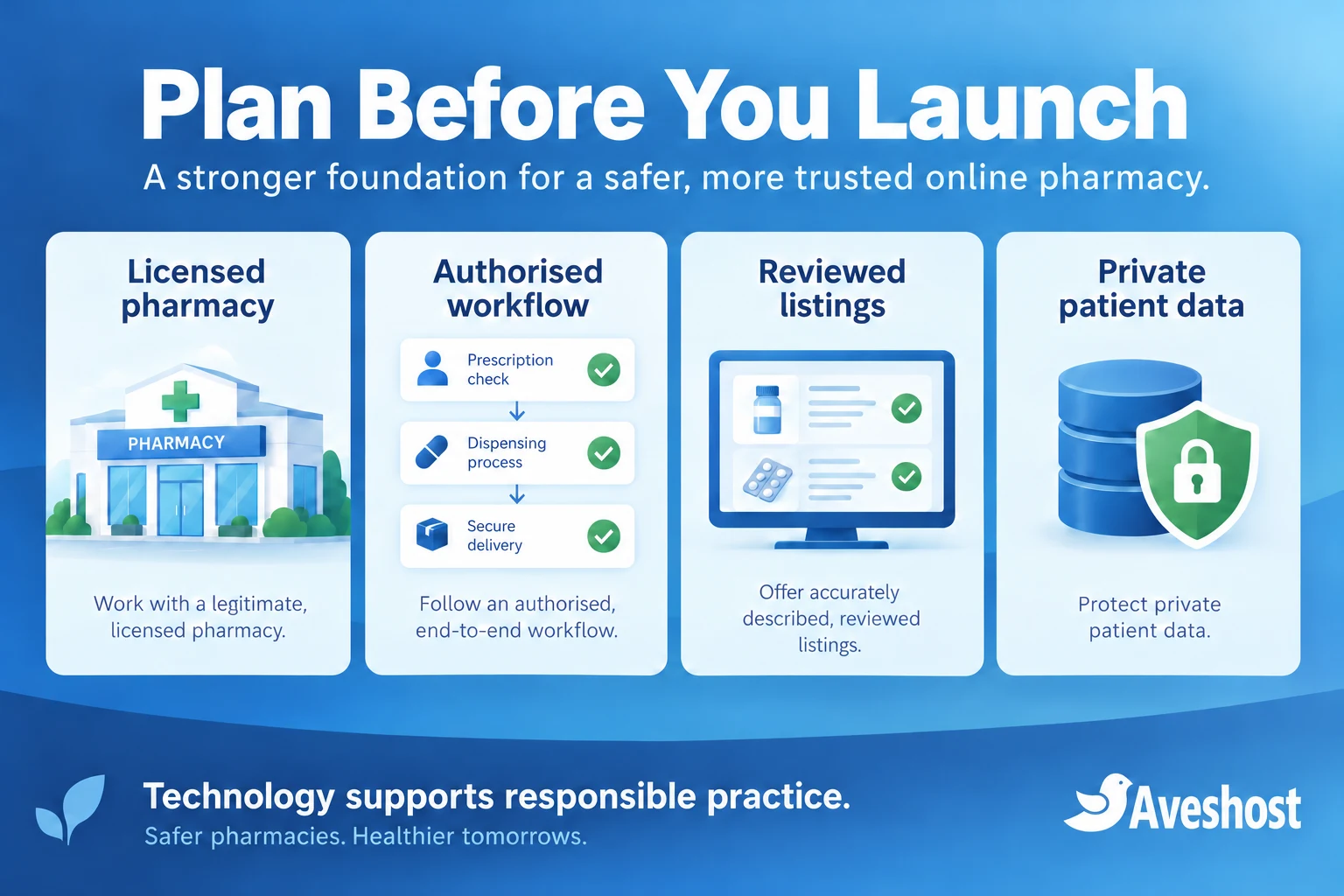
Building the website is only one part of the project. Pharmacy licensing, electronic-pharmacy authorisation, medicine promotion and data protection belong in the plan before you switch on ordering or consultation uploads. A secure hosting account supports those responsibilities; it does not replace them.
This guide explains how to plan OTC listings, private consultation workflows and the infrastructure behind them. It is intended for licensed operators and their development teams, with regulatory and clinical decisions reviewed by the responsible professionals.
Table of Contents
Start with Ghana’s ePharmacy requirements
The Pharmacy Council’s electronic-pharmacy registration guidance permits existing licensed retail pharmacies to register as ePharmacies. An ordinary business website or an OTC medicine seller licence should not be treated as permission to operate an independent online pharmacy.
The published ePharmacy policy requires registration on the national platform. It places medicine orders through that platform and requires independent platforms to be linked to it and assessed and authorised by the Council. Confirm the current onboarding and technical requirements directly with the Council before developing checkout.
The FDA regulates medicines and their promotion. The Data Protection Commission oversees personal-data obligations. Map each authority’s role to your project rather than treating one registration as approval for every activity. Regulatory information was reviewed at the time of writing; your launch plan should use the requirements applicable to your actual service.
Create a project file containing the operator details, responsible pharmacist, proposed services, regulatory correspondence and approved workflow. Give the developer the technical requirements needed to build it, and keep patient information out of ordinary project documents.
Define what your online pharmacy website will do
Decide what the website will do before choosing a theme or plugin. A public information site, an authorised medicine-ordering system and a clinical consultation portal have different responsibilities and data flows. Adding them all through one general contact form creates avoidable exposure.
| Function | Public or private? | Design decision |
|---|---|---|
| Pharmacy identity and opening hours | Public | Accurate operator details and contact routes |
| Reviewed OTC information | Public | Content approval and scheduled review |
| Medicine ordering | Controlled workflow | Authorisation and national-platform integration |
| Appointment request | Limited personal data | Collect only scheduling information initially |
| Prescription or consultation records | Private | Authenticated access and protected storage |
A useful first phase is a professionally reviewed public site with the pharmacy’s identity, location, opening hours and approved information. Keep transaction and upload features disabled until the pharmacy has completed the relevant approvals and the workflow is ready.
Agree the project boundaries with the responsible pharmacist and technical team. Record who can publish content, approve an order, access a consultation record and support a customer. A designer should not become the person deciding which medicine a patient receives.
Plan for real operating hours. If nobody will monitor consultations overnight, say so clearly. Display an appropriate urgent-care message and explain that the website is not an emergency service. Do not promise immediate professional responses that the staffing plan cannot deliver.
Prepare pharmacist-reviewed OTC medicine listings
Over-the-counter does not mean suitable for everyone or free from precautions. Have the responsible pharmacist confirm the Ghana classification of each exact product, strength and formulation before it enters the public catalogue. Do not infer classification from a foreign store or from another product with a similar name.
Verify product registration using the FDA product register and retain the supporting supplier and product information. Resolve a missing or inconsistent entry with the appropriate authority and supplier before publishing the item.
- Use the correct product name, active ingredient, strength and dosage form.
- Show the exact pack size and an accurate image of the corresponding packaging.
- Use pharmacist-reviewed information consistent with the approved label.
- Include relevant restrictions, precautions and directions through the approved content process.
- Show the pharmacy contact route for questions and suitability review.
- Record the reviewer, review date internally and the version of the published content.
Keep the catalogue distinct from personalised advice. A visitor reading a page has not had their age, other medicines, allergies or circumstances assessed. Avoid symptom quizzes that automatically recommend a product or imply that the website has diagnosed a condition.
Build a content template with required fields and a review step. Editors should be able to save drafts without making them public. A pharmacist should approve the clinical wording, and the team should check that the image, strength and pack size match before publication.
Manage stock and expiry in the operational system. Do not publish an item as available solely because a developer added it to a catalogue. Establish a process for removing discontinued items, correcting information and handling recalls.
Review medicine content and advertising before publication
A catalogue, promotion, social post or paid campaign can fall within medicine-advertising rules. Calling a page “information” does not automatically remove it from those rules. Use the FDA’s advertisement guidance and application resources to confirm the approval process for your proposed content.
The FDA’s published medicine-advertisement guidelines require indications to conform to the approved label and restrict misleading promotional wording. Public promotion of prescription-only or pharmacist-initiated medicines is subject to different restrictions from OTC promotion.
Avoid wording such as “no side effects”, guaranteed results or a suggestion that a product replaces professional assessment. Have the pharmacist and regulatory reviewer approve descriptions, banners and search metadata as part of the same publication workflow.
Keep an approval record for promotional material and define how changes are reviewed. A copywriter should not alter approved medicine wording to improve search performance without checking the effect on the approval. Confirm any updated guidance with the FDA rather than treating an older PDF as the whole current process.
Use search-friendly navigation and accurate page titles to help people find legitimate services. Do not attach an “FDA compliant pharmacy site in Ghana” badge to the design unless the statement is supported by the relevant approvals and accurately describes their scope.
Plan hosting for an online pharmacy website in Ghana
Choose infrastructure according to what you store and the support your team needs. Public pharmacy pages can use a different environment from patient uploads and consultation records. The private service deserves a documented architecture, access model and recovery plan.
For a public WordPress site, explore our managed WordPress hosting. For a private application with a dedicated server environment, discuss our fully managed VPS or a dedicated configuration with our team. Our fully managed VPS includes the DirectAdmin licence at no additional cost.
If the project requires infrastructure in Ghana, our Ghana VDS provides a self-managed option in Accra with NVMe storage. Choose it with a team able to manage the operating system, application and security controls. Location alone does not make a patient portal compliant.
- Document where primary data, backups and support access are located.
- Agree who updates the server, application and extensions.
- Confirm backup frequency, retention and restoration responsibilities.
- Define the support-access and incident-response process.
- Record processor arrangements and any subcontractors involved in the service.
Use a corporate domain held in an account controlled by the pharmacy. Set up renewal reminders and protected administrator access. You can use our domain services and business email for professional contact channels, while patient records remain inside the private application.
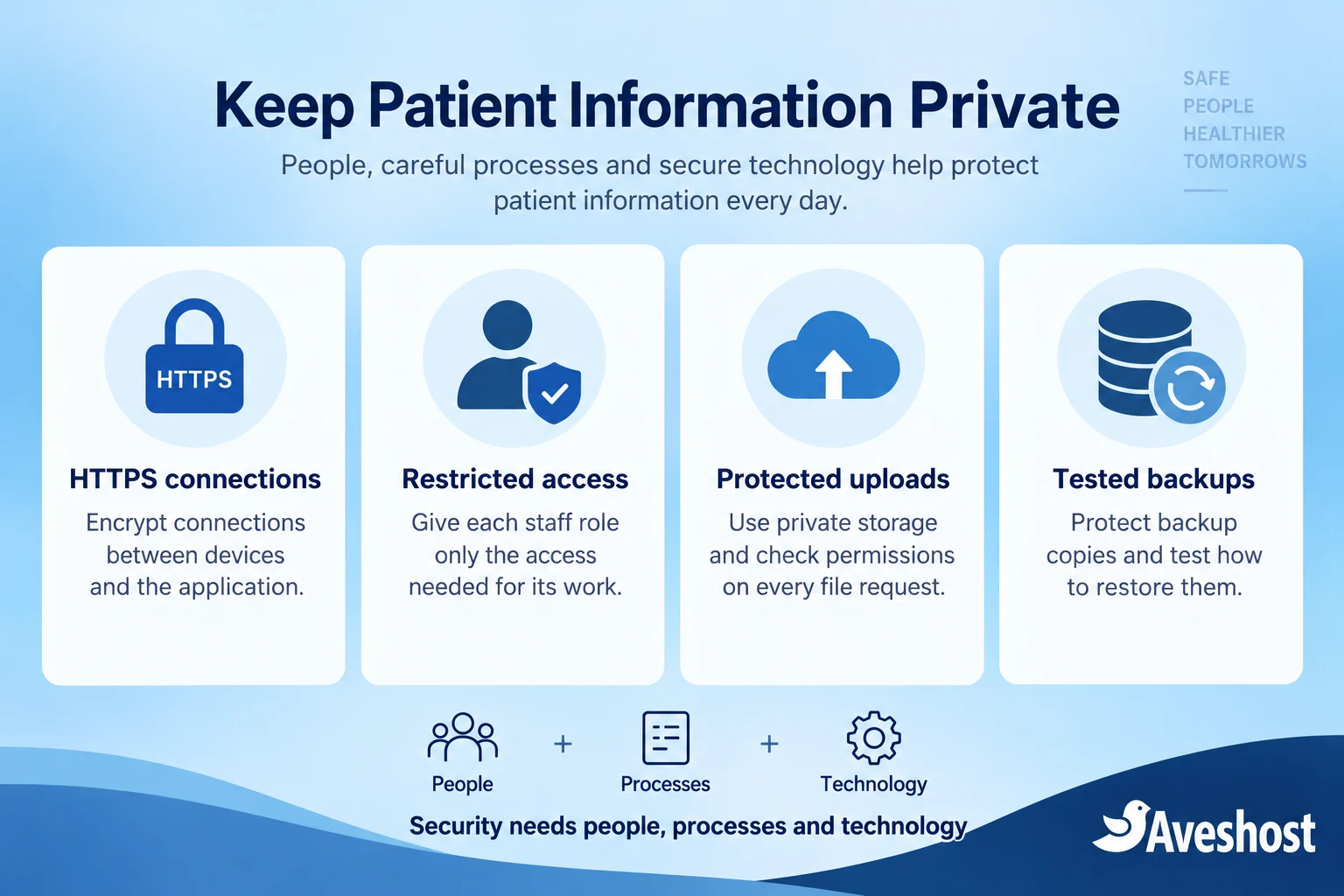
HTTPS encrypts connections in transit. It does not automatically encrypt database storage, limit staff access or keep a publicly accessible upload private. Discuss storage encryption, key handling and backup protection as separate controls.
Separate the public website from private patient systems
Separate the public website from the clinical record system where practical. WordPress can publish reviewed information and explain how to request a consultation. A private application can handle authenticated patient interactions without exposing its records through the public media library.
| Component | Recommended boundary |
|---|---|
| Public website | Reviewed pages and approved public assets |
| Patient portal | Authenticated sessions and patient-specific permissions |
| Staff workspace | Individual staff accounts and role-based access |
| Database | Private network access; restricted application credentials |
| File storage | Protected objects delivered after an authorisation check |
| Backups | Encrypted copies with a tested restore process |
A separate subdomain is useful for organisation, but it is not isolation by itself. Review hosting accounts, credentials, networks and storage permissions. A compromised marketing plugin should not automatically give access to consultation files.
Keep database ports off the public internet. Let only the application and authorised administration paths reach them. Store secrets outside public code and rotate exposed credentials. Give the application only the permissions needed for its work.
Make patient authorisation a server-side check on every record and file request. Hiding a button or using a long URL is insufficient. The system must verify that the logged-in person is allowed to view the requested record, including when a request is made directly.
Use separate staff roles. A content editor needs catalogue access; a pharmacist needs the relevant professional workspace; a courier needs delivery information. Those jobs do not require identical access to clinical records.
Protect prescription and consultation uploads
Handle prescription documents only through the authorised clinical and ordering workflow. Uploading a photograph is a request for review, not proof that dispensing has been approved. The pharmacy must determine how authenticity and validity are checked in the applicable process.
Keep patient files out of ordinary WordPress posts and public media uploads. Store them outside the web root or in private object storage. Serve a file only after a permission check, or use a short-lived signed link created after that check.
- Allow only the file types genuinely needed and verify their contents server-side.
- Limit file size and scan accepted files for malicious content.
- Rename files with internal identifiers instead of patient names.
- Prevent uploaded files from executing as scripts.
- Log access without copying the document or unnecessary health details into logs.
- Apply the approved retention and deletion process to originals and derived copies.
A private directory is not enough if the application later gives everyone a reusable download URL. Test requests without signing in, with another patient account and with a staff role that should not have access. Use synthetic documents for these checks.
Send notifications such as “A new request is ready for review” rather than attaching prescriptions to routine emails or SMS. Staff can sign in to the protected workspace to view the record. Keep clinical details out of message previews, URLs and ordinary support tickets.
Never ask patients to submit prescription images to a general website-development contact form. If the clinical feature is not ready, provide an approved alternative route and keep the upload control disabled.
Design a consultation workflow led by qualified professionals
A consultation workflow should identify the professional providing the service and define its scope. Pharmacist counselling and a doctor’s diagnosis are different services. Arrange qualified practitioners, governance and any required facility or professional approvals before describing a service as telehealth.
Begin with a limited scheduling request. Collect the information needed to arrange contact, then obtain clinical information through the protected consultation channel. Explain expected response times, privacy arrangements and what the service cannot handle.
- Confirm the patient’s identity through a proportionate process.
- Show the clinician or pharmacist responsible for the interaction.
- Record the agreed consultation purpose and relevant consent.
- Provide a route to in-person assessment when the remote service is unsuitable.
- Document advice and follow-up in the authorised record system.
- Keep marketing signup separate from the consultation request.
Publish a clear notice that urgent or serious symptoms require prompt in-person emergency care rather than waiting for an online reply. Have the clinical lead approve the wording and referral process. A chatbot or contact form should not replace urgent assessment.
If you use a video or messaging service, review its data handling, access controls, recording options and contractual terms. Do not enable recordings by default without a defined purpose, appropriate permission and retention rules. Keep staff devices protected as well as the server.
For broader infrastructure planning, read our guide to hosting patient portals for Ghanaian clinics. Apply the architecture to your own approved pharmacy service rather than copying a clinic workflow without review.
Handle approved orders, payments and delivery
Design medicine ordering around the authorised platform connection and pharmacy process. Do not switch on a standalone WooCommerce medicine checkout and treat payment success as authorisation to dispense. Your developer needs the current integration specification and onboarding instructions from the approved service.
Separate request, professional review, acceptance, payment and fulfilment states. If payment is collected before a request is accepted, define the refund or cancellation process clearly. For sensitive records, retain a useful audit trail without duplicating unnecessary clinical information across systems.
Use a supported payment integration and verify transaction status through the provider’s server-side mechanism. A screenshot or a customer’s browser redirect is not sufficient proof of payment. Keep medical descriptions out of payment references and gateway metadata unless their use is necessary and appropriately authorised.
Maintain stock, batch and expiry controls in the pharmacy workflow. Delivery must preserve the medicine’s required storage conditions and the patient’s confidentiality. Do not promise that an ordinary courier can handle every product or temperature requirement.
Give delivery staff the information needed for the delivery, limiting clinical details. Use discreet communications and confirm who may receive the parcel. Establish what happens when delivery fails, a product is damaged or the customer needs to contact the pharmacist.
Protect patient data and clarify HIPAA applicability
Ghana’s Data Protection Act, 2012 (Act 843) treats health information as special personal data. The pharmacy must identify the lawful conditions for processing, provide appropriate information to patients and apply security and confidentiality safeguards.
The DPC’s compliance guidelines explain registration and organisational responsibilities. Complete the relevant registration, document processing purposes and review service-provider arrangements before collecting patient information.
HIPAA is a US framework for covered entities and business associates. It does not automatically apply because a Ghanaian site handles health data. If your service involves a US covered entity, assess that relationship and the required agreements; the HHS guidance on covered entities and business associates explains the scope. We do not present a standard hosting package as HIPAA certification.
Put the privacy design into operation: individual staff accounts, multi-factor authentication, access reviews, protected backups and documented retention. Describe what information you collect, why, who receives it and how patients can contact the pharmacy about their data.
Keep advertising pixels and session-replay tools off prescription, account and consultation pages unless a rigorous review establishes an appropriate use. Do not send health details or patient identifiers to analytics through page URLs, form events or error messages.
Prepare an incident-response process with the clinical and data-protection leads. It should cover containment, evidence preservation, recovery and the notifications required by applicable law. Do not wait until a file becomes public to decide who has authority to respond.
Test, launch and maintain the pharmacy website
Test with fictional patients and synthetic documents before using real records. Technical testing should include both normal journeys and attempts to cross the intended access boundaries. A successful staff login alone is not a privacy test.
- Confirm operator details, professional contacts and applicable approvals.
- Check content review and public listing accuracy.
- Verify the authorised ordering integration and failure handling.
- Test patient separation and least-privilege staff roles.
- Check uploads, direct file requests and expired download links.
- Ensure private pages are excluded from public caches and search indexing.
- Inspect logs, notifications and analytics for unnecessary sensitive data.
- Restore a protected backup into a controlled test environment.
- Test outage messages, support escalation and account revocation.
- Keep keys, exports and backups out of public directories.
Search-engine exclusion is useful, but it is not access control. A robots.txt rule or noindex tag cannot protect a patient file from someone who has its URL. Authentication and server-side authorisation must enforce the boundary.
Agree recovery objectives for the application and records: how much data loss is acceptable and how quickly the service must return. Choose backup frequency and recovery procedures around those objectives. A snapshot is helpful but is not a substitute for an independent, tested recovery copy.
Keep WordPress, application dependencies and server software supported and updated. Test important changes in a protected environment. Use legitimate themes and plugins; pirated extensions can introduce backdoors that endanger both the public site and connected systems.
For telehealth website hosting in Ghana, start with the approved service workflow and the data architecture. Discuss your pharmacy website or private portal with our team, including the public catalogue, national-platform integration, consultation scope, storage and recovery requirements. We can plan the infrastructure and development around those requirements.
Frequently asked questions
Can any business open an online pharmacy website in Ghana?
Electronic-pharmacy registration is for existing licensed retail pharmacies under the Council’s published guidance. Confirm the approvals for your actual service before launch.
Does OTC mean a medicine is suitable for every customer?
No. The responsible pharmacist should review classification and product information, and suitability questions need the appropriate professional process.
Can I use a standalone checkout for medicine orders?
The published ePharmacy policy requires national-platform use and linked, authorised independent platforms. Confirm the current integration requirements with the Council.
Does SSL make a pharmacy website compliant?
HTTPS protects connections in transit. Licensing, content review, access control, data protection and operational safeguards remain separate responsibilities.
Can patients upload prescriptions into WordPress media?
Use the authorised private workflow with protected storage and permission checks, rather than ordinary public media-library uploads.
Does payment success authorise dispensing?
No. Payment confirmation and the professional dispensing decision are separate steps in the approved process.
Does HIPAA automatically apply in Ghana?
No. Assess whether the service falls within its covered-entity or business-associate scope. Ghana’s data-protection obligations still need attention.
Is hosting in Ghana enough to protect patient data?
No. Location must be considered with access, encryption, contracts, retention, backup protection and staff procedures.
Should consultation emails include patient documents?
Prefer limited notifications that direct authorised staff to the protected workspace. Avoid routine email attachments containing clinical records.
Can Aveshost help build the pharmacy website?
Yes. Contact support with the licensed operator’s approved workflow, public content, integration and private-system requirements.