
You can self-host a client photo gallery on a VPS to organise wedding deliveries under a domain your studio controls. For photographers in Accra, Kumasi and across Ghana, that can bring client links, storage planning and gallery administration into one workflow.
The important limit is capacity. A VPS has a finite disk, memory and traffic allowance. You can create galleries within that capacity and expand the infrastructure as needed, but the server does not provide unlimited storage. A delivery service also needs backups, updates and a clear agreement with each client.
This guide uses Immich for a practical self-hosted gallery setup. It covers software selection, storage calculations, Docker deployment, HTTPS and private sharing. Keep independent copies of your work throughout the project; a client gallery should never be the only place a wedding exists.
Table of Contents
Separate your portfolio, client galleries and RAW archive
Your public portfolio, client delivery gallery and working archive serve different purposes. A portfolio attracts enquiries with a small selection of approved images. A delivery gallery gives the intended client access to their edited photographs. The archive preserves originals, project files and finished work according to your retention plan.
| Collection | Typical purpose | Access approach |
|---|---|---|
| Public portfolio | Show selected work and booking information | Publish only images approved for promotion |
| Client delivery | Provide the agreed edited photographs | Restricted sharing and defined download rights |
| RAW archive | Preserve source material and project history | Private storage and independent backups |
A 40 GB shoot does not mean every client needs a 40 GB online delivery. Export the agreed JPEG collection at the quality and resolution promised in your contract. Keep RAW files in your private archive unless delivering them is specifically part of the agreement.
Build your photographer portfolio website for Ghanaian clients on a separate main site, then use a gallery subdomain for delivery. Our managed WordPress hosting can support the public site while a VPS runs the gallery application. Separate credentials and access boundaries are useful as the workflow grows.
Choose a Pixieset alternative for photographers
When choosing a Pixieset alternative for photographers, list the jobs your current service performs. Photo viewing, client selection, print sales, contracts, invoices and gallery branding are different features. A self-hosted photo manager does not automatically replace them all.
| Tool | Useful starting point | What to verify |
|---|---|---|
| Immich | Photo management, albums and client share links | Required proofing, sales and branding workflow |
| Piwigo self-hosted | Organised galleries with user and album permissions | Compatible plugins and original-file protection |
| Existing hosted service | A managed workflow your studio already uses | Export, migration effort and ongoing cost |
Immich’s sharing documentation covers albums, viewer or editor access and public links with settings such as passwords and expiry. Use those controls deliberately; do not enable whole-library partner sharing for an ordinary wedding client.
Piwigo is another open-source option. Its self-hosting documentation and album permissions guide explain its gallery model. Test both page access and direct file access in your deployment before treating an album as confidential.
Pilot one representative gallery before moving the studio. Ask a client tester to view, download and provide selections using the exact workflow you propose. If a required proofing or ordering feature is missing, include a supported extension or a separate process rather than promising feature parity.
Calculate gallery storage and download traffic
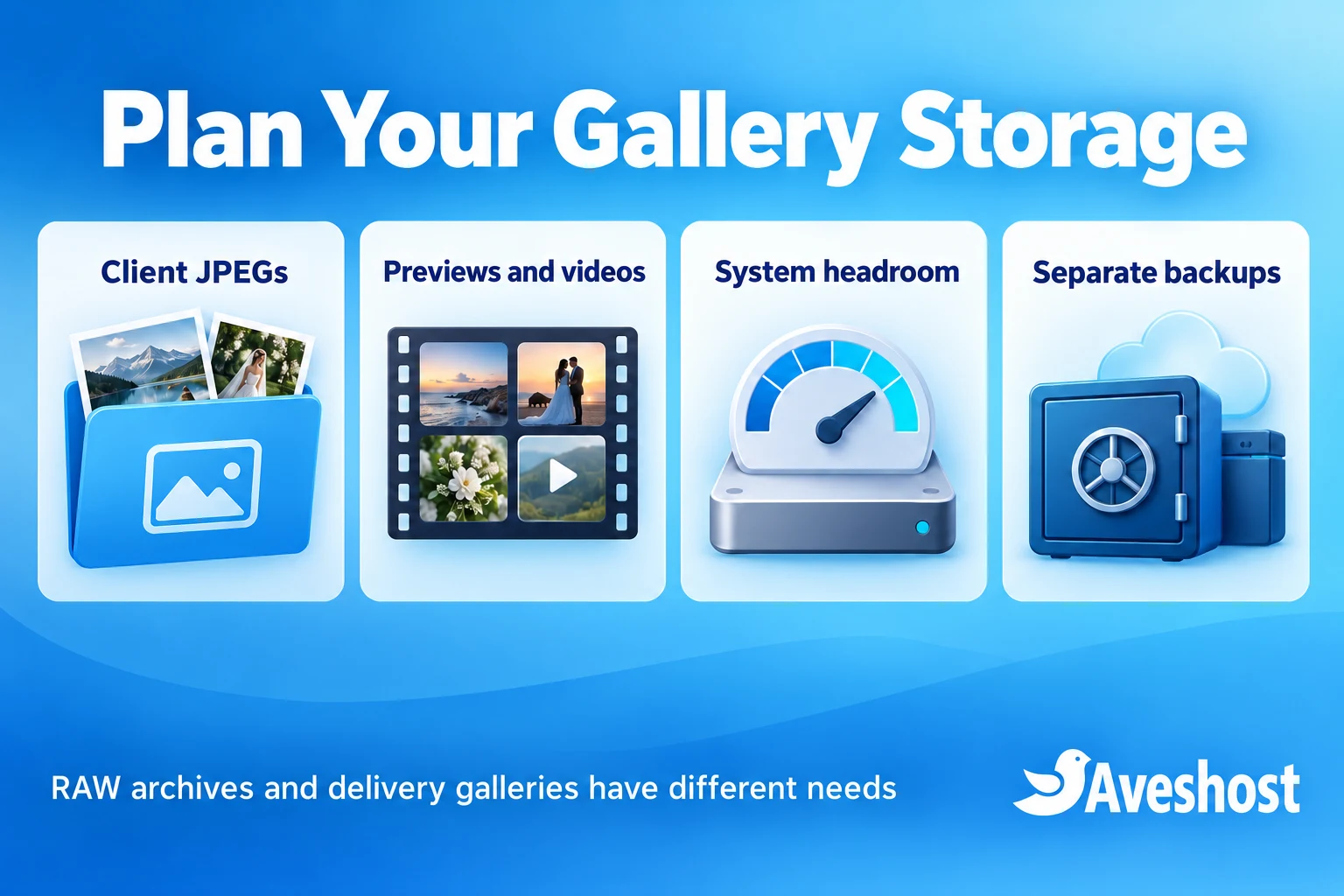
Calculate retained data from your actual exports. Album count alone says little about capacity: one gallery might contain a few dozen web images, while another contains thousands of full-resolution files and videos.
| Illustrative requirement | Calculation | Working allowance |
|---|---|---|
| Delivery JPEGs | 24 galleries × 5 GB | 120 GB |
| Previews and other generated files | Planning allowance; measure actual output | 30 GB |
| System, application and database | Separate working allowance | 20 GB |
| Used space before free headroom | 120 + 30 + 20 | 170 GB |
| Capacity with 25% kept free | 170 ÷ 0.75 | About 227 GB or more |
These figures are a planning example, not a software guarantee or hosting quote. Videos, extra exports, job history and backup files kept locally can increase usage. Choose a practical capacity above the calculation and monitor actual growth.
For comparison, 40 GB of source files every week adds roughly 2,080 GB over 52 shoots before duplicate copies or generated files. That archive belongs in a separate storage and backup plan rather than a small delivery VPS.
Downloads also consume transfer. If a 5 GB gallery is downloaded in full 20 times, that is about 100 GB of outgoing gallery data before previews and other traffic. Uploading 40 GB over a sustained 10 Mbps connection takes roughly nine hours before overhead, so test your studio uplink as well as the server.
Choose a VPS for client galleries
Immich’s current requirements specify at least 6 GB RAM and two CPU cores, with 8 GB RAM and four cores recommended. Check the current CPU compatibility requirements for the selected release, including its machine-learning component, before provisioning.
Our self-managed VPS plans come with SSD storage. Cloud VPS 2 provides 8 GB RAM and 100 GB SSD for GH₵170 per month at the time of writing. Treat that as a small pilot option and confirm the CPU allocation and compatibility for your chosen configuration.
A larger retained library needs more disk. Cloud VPS 4 provides 24 GB RAM and 300 GB SSD for GH₵420 per month at the time of writing. Compare the usable space with your calculation, leaving room for the operating system, database, generated files and growth. Ask us about a storage configuration when the standard tier is too small.
Immich’s PostgreSQL database should use reliable local SSD storage rather than a network share. Do not attach a remote drive and point every data path at it without checking the application’s supported layout. Plan media expansion and database storage separately.
Self-managed hosting means your team handles the server and application. If you need help with installation, monitoring or backup configuration, discuss the management scope with our team. Storage expansion, backup service and application work should be clear parts of the project.
Prepare Linux, Docker and your gallery domain
Use a supported Linux VPS with console recovery and SSH-key access. Install Docker Engine with the Compose plugin using the official instructions for Ubuntu, or the equivalent instructions for your distribution. Install Caddy through its official package guidance.
Create a DNS A record for a hostname such as gallery.yourstudio.com pointing to the VPS. Add an AAAA record only when working IPv6 is configured. Leave existing email records unchanged. All example.com addresses in this guide are placeholders for a domain you control.
Allow the actual SSH port, HTTP 80 and HTTPS 443 in the appropriate firewalls. Keep databases and internal services private. Docker-published ports need particular care because their interaction with host firewall rules can differ from ordinary services; this example binds the application to localhost.
mkdir -p ~/immich-app
cd ~/immich-app
umask 077
Keep this project directory and its configuration out of any public web root. Use a fresh media location with enough disk space and retain independent source files. Do not experiment with your only copy of a client’s photographs.
Self-host a client photo gallery with Immich
Use the official Immich Docker Compose guide and its linked release files. Select one supported release, download its docker-compose.yml and example.env from that same release, and rename example.env to .env. Keep a record of the release you tested.
Edit .env with the media and database paths, timezone and a unique random database password. Replace the version placeholder below with the exact release tag matching your downloaded files. Preserve the other settings required by that release.
UPLOAD_LOCATION=./library
DB_DATA_LOCATION=./postgres
TZ=Africa/Accra
IMMICH_VERSION=REPLACE_WITH_EXACT_RELEASE_TAG
DB_PASSWORD=REPLACE_WITH_A_UNIQUE_RANDOM_ALPHANUMERIC_PASSWORD
Generate the database password with a password manager or openssl rand -hex 32, which produces compatible alphanumeric text. Protect .env and any exported configuration. Do not publish a real password in support screenshots.
In the immich-server service of docker-compose.yml, change its existing published port to the following localhost binding. Edit the existing entry rather than leaving an additional public mapping:
ports:
  - "127.0.0.1:2283:2283"
sudo docker compose config --quiet
sudo docker compose up -d
sudo docker compose ps
sudo docker compose logs --tail=50 immich-serverThe first command checks Compose configuration; startup and application health still need separate checks. If a container fails, review the matching release instructions and logs before importing client material.
Create the initial administrator account before public exposure. From your own computer, use an SSH tunnel such as the template below, then open http://localhost:2283 in your local browser. Replace the account and VPS placeholders:
ssh -L 2283:127.0.0.1:2283 YOUR_SSH_USER@YOUR_VPS_PUBLIC_IPComplete initial setup through that protected connection, use a strong administrator password and confirm normal login. Keep the application bound to localhost when you add the reverse proxy. The example is an installation plan; validate it on your own supported server before production delivery.
Add HTTPS before sharing your gallery
Serve Immich at the root of its gallery subdomain, not under a path such as yourstudio.com/immich. Its reverse-proxy guide explains the hostname, header and upload requirements. For Caddy on the same VPS, a starting Caddyfile is:
gallery.example.com {
    reverse_proxy 127.0.0.1:2283 {
        header_up X-Real-IP {remote_host}
    }
}
Replace gallery.example.com with your real hostname. Keep unrelated sites in their existing configuration and validate the file before reloading. On a fresh dedicated gallery VPS:
sudo caddy validate --config /etc/caddy/Caddyfile
sudo systemctl reload caddy
sudo systemctl status caddy
With DNS and the required ports working, Caddy can obtain and renew HTTPS certificates. Test the actual HTTPS address from outside the VPS and upload a representative file. Any additional proxy must support the required headers, upload sizes and connection timeouts too.
Route application requests through Immich. Do not publish its media directory as a separate static folder to speed up downloads: that can bypass application sharing controls. Keep database files, configuration, logs and backups outside public access.
Create private client albums and share links
Create one album for the intended delivery and review every selected image before sharing. Use a studio-owned account for your library, and give staff only the access they need. An assistant should not receive the administrator password merely to upload an event.
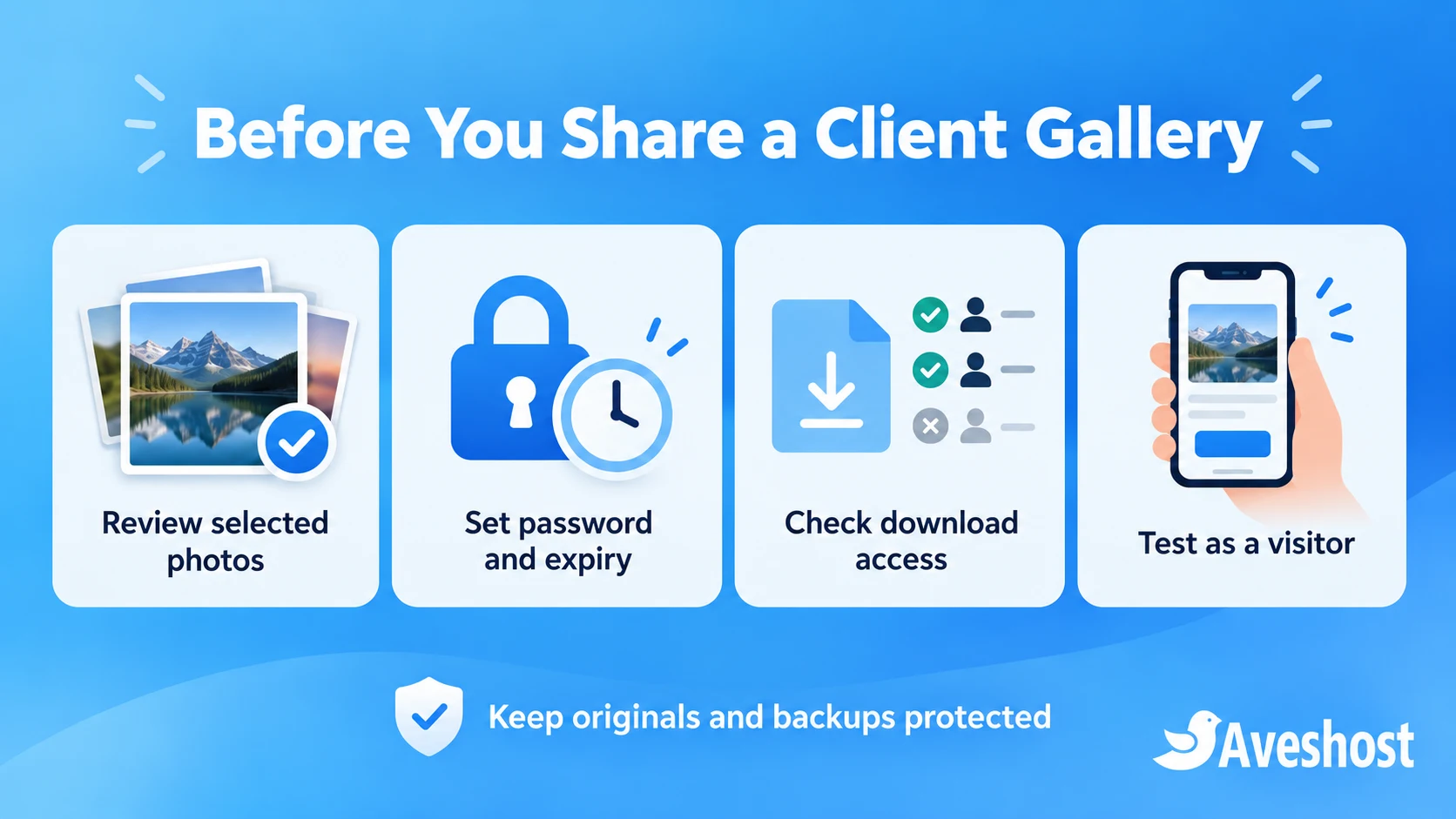
For clients without accounts, use a share link with a strong password and a defined expiry. Configure the available download and upload options deliberately. Keep client uploading disabled unless there is a clear reason to accept guest files.
- Use a neutral album name that does not expose unnecessary personal details.
- Set the password and share it through an appropriate separate channel.
- Choose an expiry consistent with your delivery agreement.
- Check whether viewers can download the intended files.
- Open the link while signed out and confirm only the selected gallery is visible.
- Revoke a link if it reaches the wrong recipient.
A shared link can be forwarded, and a password can be passed to someone else. It limits casual access rather than proving the identity of every viewer. Where stronger identity control is needed, use appropriately restricted accounts and test the permissions.
Restricting original downloads does not prevent screenshots or copying images displayed on screen. If you need a watermarked proofing stage, prepare and test that workflow explicitly. Do not present a “disable download” option as complete copy protection.
Design a practical wedding photo delivery workflow
Agree what the client receives before upload: selection count, resolution, file format, download rights and how long the gallery remains available. Tell clients whether they need to keep their own downloaded copies and what happens after the online delivery period.
Export consistent JPEGs for delivery and use clear filenames. Check a sample of your actual camera formats against the supported media formats when using RAW or video. Support for a file extension does not guarantee identical results for every camera or playback device.
Review metadata before delivery or public promotion. Location data and detailed capture information may be unnecessary for the recipient. Obtain the appropriate permission before moving private wedding images into your public portfolio; a client delivery agreement is not automatically permission for advertising use.
Test the gallery on a phone and on a slower connection. Keep the initial page responsive, avoid sending giant download packages without guidance and explain how the client can retrieve the intended files. Check that the delivered files match what the contract promises.
Immich is not being presented here as an identical proofing storefront. If the client must mark favourites, order prints, sign a contract or pay a balance, verify those steps in your chosen tools. Keep a separate, clear approval record where the gallery does not provide the required workflow.
Back up the database and photo library separately
Back up both the uploaded photo/video files and the database. Immich stores paths and metadata in PostgreSQL, so a folder of images alone does not reconstruct all application state. Its backup and restore guide identifies the required data and the process for the installed version.
Automatic database dumps on the same VPS are not a complete offsite backup. Copy the required files and database backups into a separate protected backup system. Keep encryption keys and recovery information accessible to authorised staff without storing them alongside publicly available files.
- Keep the studio’s independent source archive.
- Back up the gallery media and matching application database.
- Retain the configuration and tested software version securely.
- Maintain an independent backup copy outside the gallery VPS.
- Use retention and protected or immutable copies where appropriate.
- Restore into an isolated environment and verify real albums and downloads.
Coordinate database and media backups so a restore has the files referenced by the database. Use the installed version’s maintenance and backup guidance if you need a consistent capture. Do not copy a live PostgreSQL data directory as though it were an ordinary file archive.
A server snapshot can assist recovery, but it remains only one layer. Failure of an account, accidental deletion or a compromised administrator can affect related copies. Agree backup location, access and restoration responsibility with our team rather than expecting a snapshot to replace an independent copy.
Test, launch and maintain your gallery service
Launch with a test gallery containing non-sensitive images. Verify viewing, password prompts, expiry, allowed downloads and revocation from a signed-out browser. Check the mobile experience before inviting a paying client.
- Monitor disk space, filesystem availability and application health.
- Check database and backup jobs for failures.
- Test a full client download and compare the delivered files.
- Keep gallery links out of public pages and analytics where they are unnecessary.
- Review staff access and remove accounts that no longer need it.
- Back up before upgrades and read the release notes.
- Use the matching application and database upgrade instructions.
- Re-test sharing permissions and restoration after important changes.
Do not delete Docker volumes or media directories as a routine troubleshooting step. Preserve a recoverable copy before changing storage paths or upgrading. If a media disk is mounted separately, confirm the mount is present before starting the application so files are not silently written to the wrong disk.
Review retention regularly with clients. Expiring a shared link is different from deleting the photographs, and deleting media inside the application can affect your recovery plan. Record the agreed process and retain what your business legitimately needs under that policy.
Self-hosting gives your studio control over the domain, server and workflow. It also gives you operating costs and maintenance responsibilities. Compare the complete cost of storage, transfer, backups and staff time with the features you need before retiring a hosted service.
Ready to host your client galleries? Explore our Linux VPS plans and studio domains, or discuss your gallery setup and backup requirements with our team. Tell us your monthly shoots, delivery sizes, retention period and client workflow so we can plan the capacity.
Frequently asked questions
Can I self-host a client photo gallery on a VPS?
Yes. Use a supported gallery application, suitable server resources, private sharing settings and an independent recovery plan.
Are VPS client galleries unlimited?
No. Disk capacity, transfer, processing and retention determine how much you can host. Plan expansion before the server fills.
Is Immich an identical replacement for Pixieset?
No. Test your proofing, sales, branding and contract requirements separately. This guide uses Immich for photo management and sharing.
Should I upload all RAW files to every client gallery?
Usually the delivery should contain the files agreed with the client. Keep RAW archives private unless their delivery is part of the contract.
Can I password-protect and expire gallery links?
Immich provides public-link settings including passwords and expiry. Verify the options and access in your installed version.
Does disabling download prevent copying?
No. Images displayed on screen can still be captured. Use an appropriate proofing and permission process.
Will a database backup save all my photos?
No. Back up the media and database, along with protected configuration and a tested restoration process.
How much RAM does Immich need?
Its current documentation lists 6 GB minimum and 8 GB recommended, with CPU and compatibility requirements that should be checked for the selected release.
Can I keep the gallery under a subdomain?
Yes. Use a hostname such as gallery.yourstudio.com with HTTPS. Immich is not supported under a sub-path in this setup.
Can Aveshost help set up my gallery server?
Yes. Contact support with your storage, transfer, retention, sharing and backup needs to discuss the configuration and management scope.